
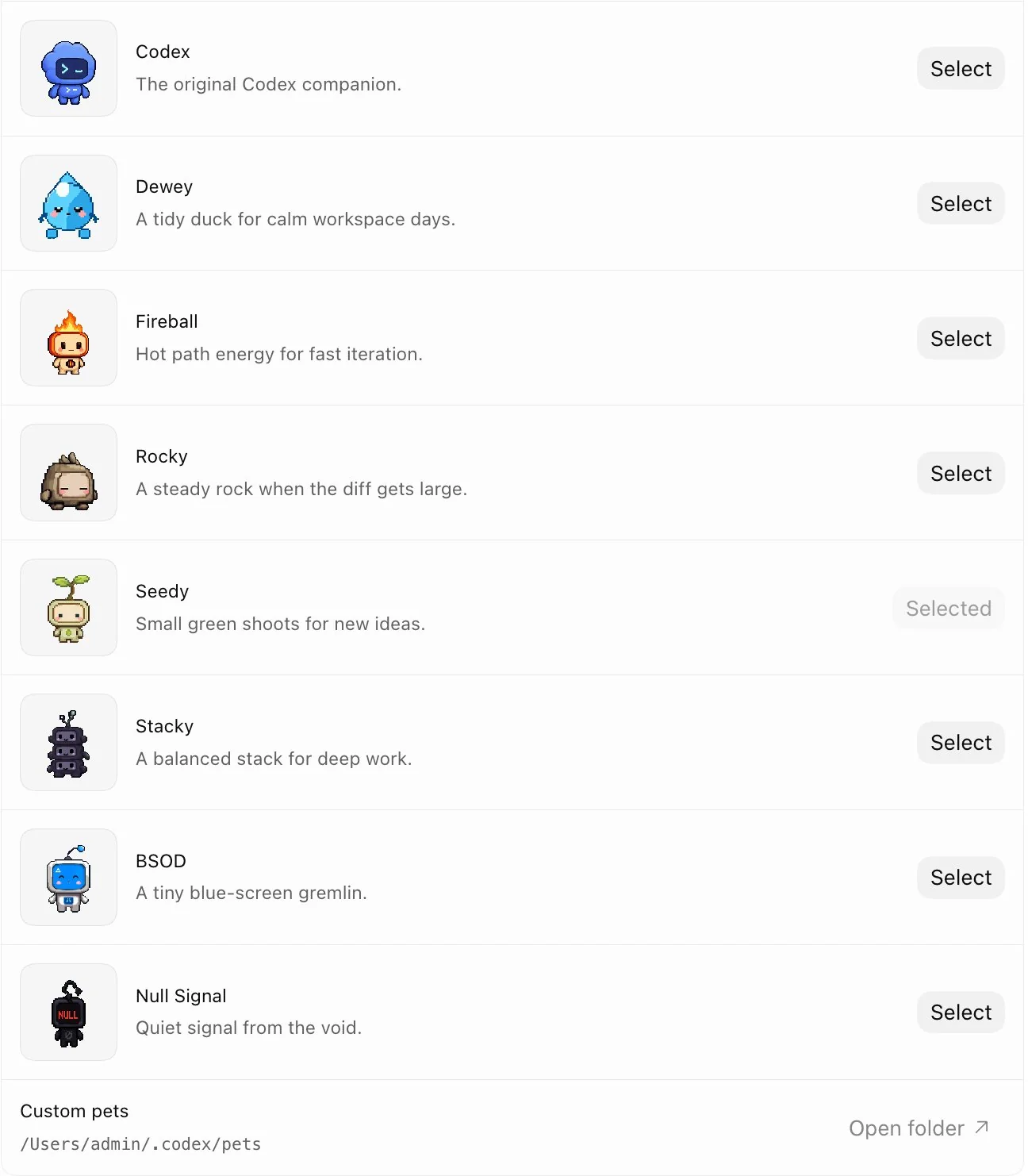
OpenAI's Codex just got a little more companionable. The coding agent now comes with built-in virtual pets — eight to start, with the option to create your own. But unlike a Tamagotchi glued to your IDE, these pets actually serve a purpose.
https://twitter.com/OpenAIDevs/status/2050275713824211041
Three ways to enable and switch pets
- Go to Settings → Pets to pick a built-in pet or load a custom one from your local Codex home directory.
- Type
/petin the input box. - Hit Cmd+K (or Ctrl+K) to open the command palette, then run "Wake Pet" to summon it or "Tuck Away Pet" to dismiss it.
The real value: ambient awareness through status visualization
Pets aren't just decorative. When you switch to another application, the pet overlay keeps showing you:
- Which thread is currently active
- What state Codex is in — running, waiting for input, or awaiting review
- A short progress hint so you can glance and know how things are going without reopening the thread
In other words, the pet acts as an ambient indicator for asynchronous tasks, making long-running agent jobs visible even when they're in the background. This is the latest in a series of persistent features for Codex — earlier this week, OpenAI added a persistent loop mode that keeps executing commands until a goal is complete.
Creating custom pets with the hatch-pet skill
The skill-based creation flow:
$ skill-installer hatch-pet
After installing, you need to run "Force Reload Skills" from the command palette (Cmd+K / Ctrl+K), then call:
$ hatch-pet create a new pet inspired by my recent projects
The skill generates a custom pet based on your recent project context. That means pets aren't just skins — they're extensible artifacts plugged into Codex's skill system.